Share Files with Clients Without Login: Complete Guide
Learn how to share files with clients without account creation using a secure magic link. Stop access issues, version chaos, and resend requests forever.
How to Share Files with Clients Without Login (and Stop “Can You Resend the Link?” Forever)
We wrote this article to help you as a creative or marketing agency lead, freelancer, or creator who needs a faster, cleaner, and more secure way to deliver files to clients.
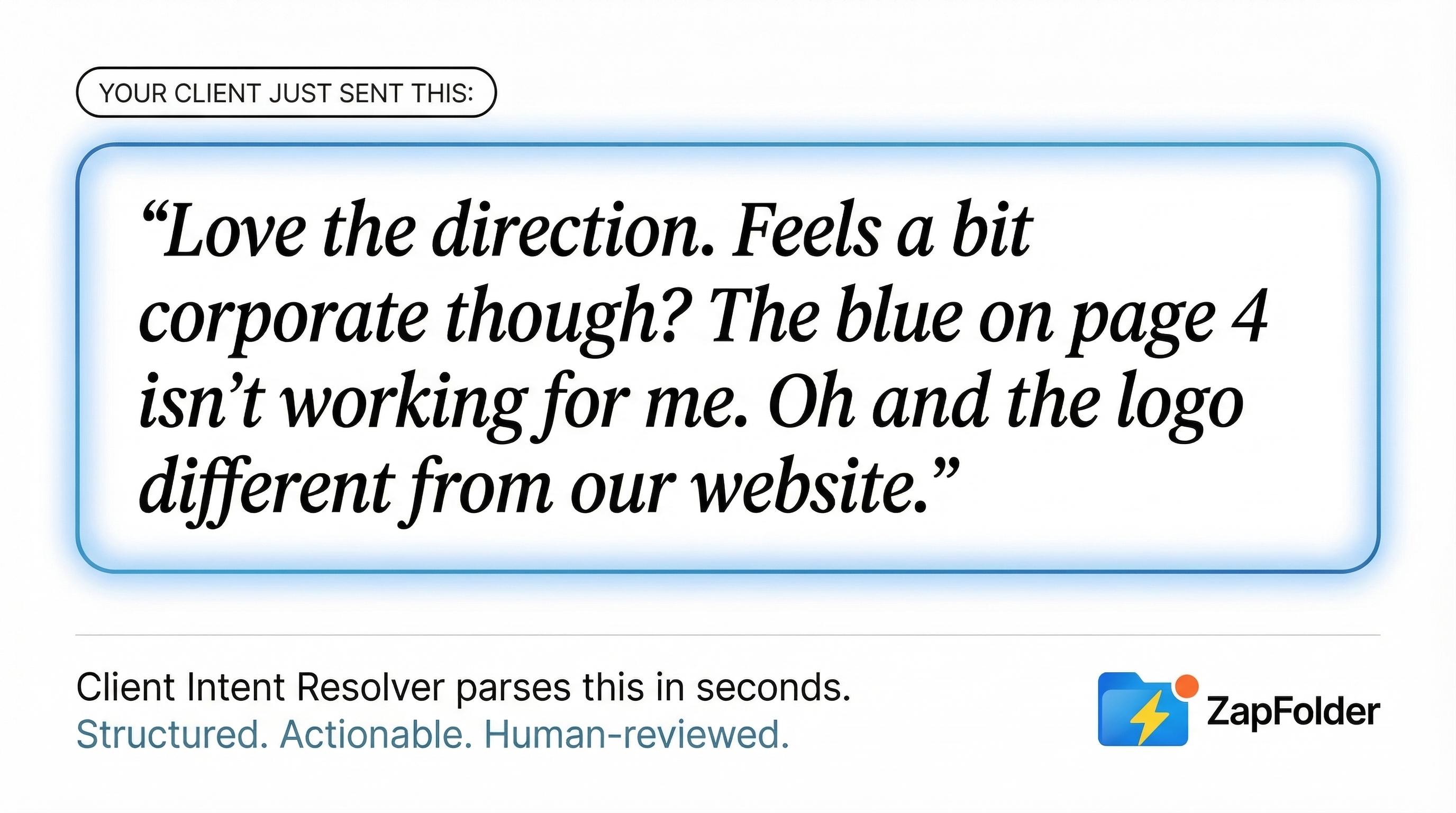
If you’ve ever sent a Google Drive or Dropbox link and later received one of these messages:
“Can you resend the link?”; “I don’t have access.”; It says I need permission.”; "Which version should I review?”
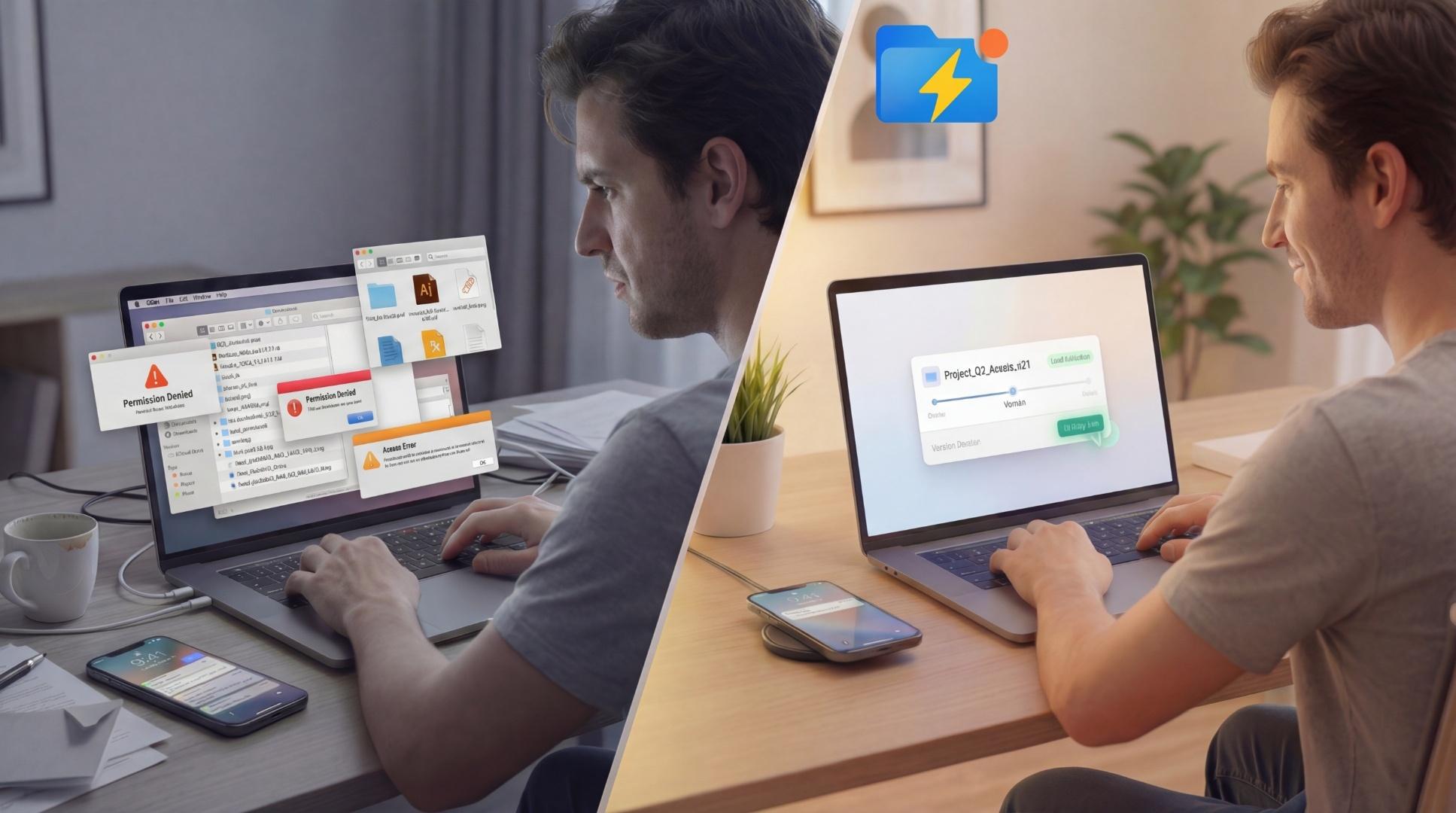
You know exactly how frustrating file delivery can be. Not because the work isn’t done. But because the delivery system creates friction. Clients lose links. Access permissions break. Files get buried in email threads. And versions quickly spiral into chaos.
Instead of moving projects forward, you’re stuck resending links, fixing permissions, and explaining which file is the right one. We’ve seen this happen thousands of times across creative and marketing teams. The problem isn’t you. It’s the way traditional file sharing tools were designed.
If you’re searching for the best way to share files with clients without login, the goal is simple: create a single secure link that clients can access instantly, without accounts, passwords, or permission requests. This approach eliminates access friction, prevents version confusion, and gives clients one reliable place to access your work.
The good news is there’s a much simpler way to share files with clients without login requirements using a single secure link that always works and always contains the latest version. Let’s break it down.
Table of Contents
- Why Google Drive and Dropbox Break Down in Real Client Workflows
- The Better Approach: One Secure Magic Link Per Project
- The Core Principle: One Link Per Project
- How to Share Files with Clients Without Login Using ZapFolder (Step-by-Step)
- Why Creative and Marketing Agencies Love Account-Free File Sharing
- Anti-Chaos Rules Every Agency Should Follow
- Try It Yourself in Under 30 Seconds
- FAQ: Share Files with Clients Without Login
Why Google Drive and Dropbox Break Down in Real Client Workflows
Tools like Google Drive and Dropbox are great for storage. But they weren’t designed for frictionless client delivery. Here’s where things start to break.
1) Access permissions create unnecessary friction
Most file sharing tools require clients to log in or use a specific email address to access files.
This leads to common problems:
- Clients request access because they’re logged into the wrong account
- Permissions weren’t set correctly
- Clients don’t want to create accounts just to view one file
Every one of these adds delays.
2) Links get lost, buried, or expire
Links often end up scattered across:
- Email threads
- Slack conversations
- WhatsApp messages
- Project management tools
Clients can’t find the original link. Or they click an old one that no longer works. So they ask for it again.
This creates unnecessary back-and-forth that adds zero value to the project.
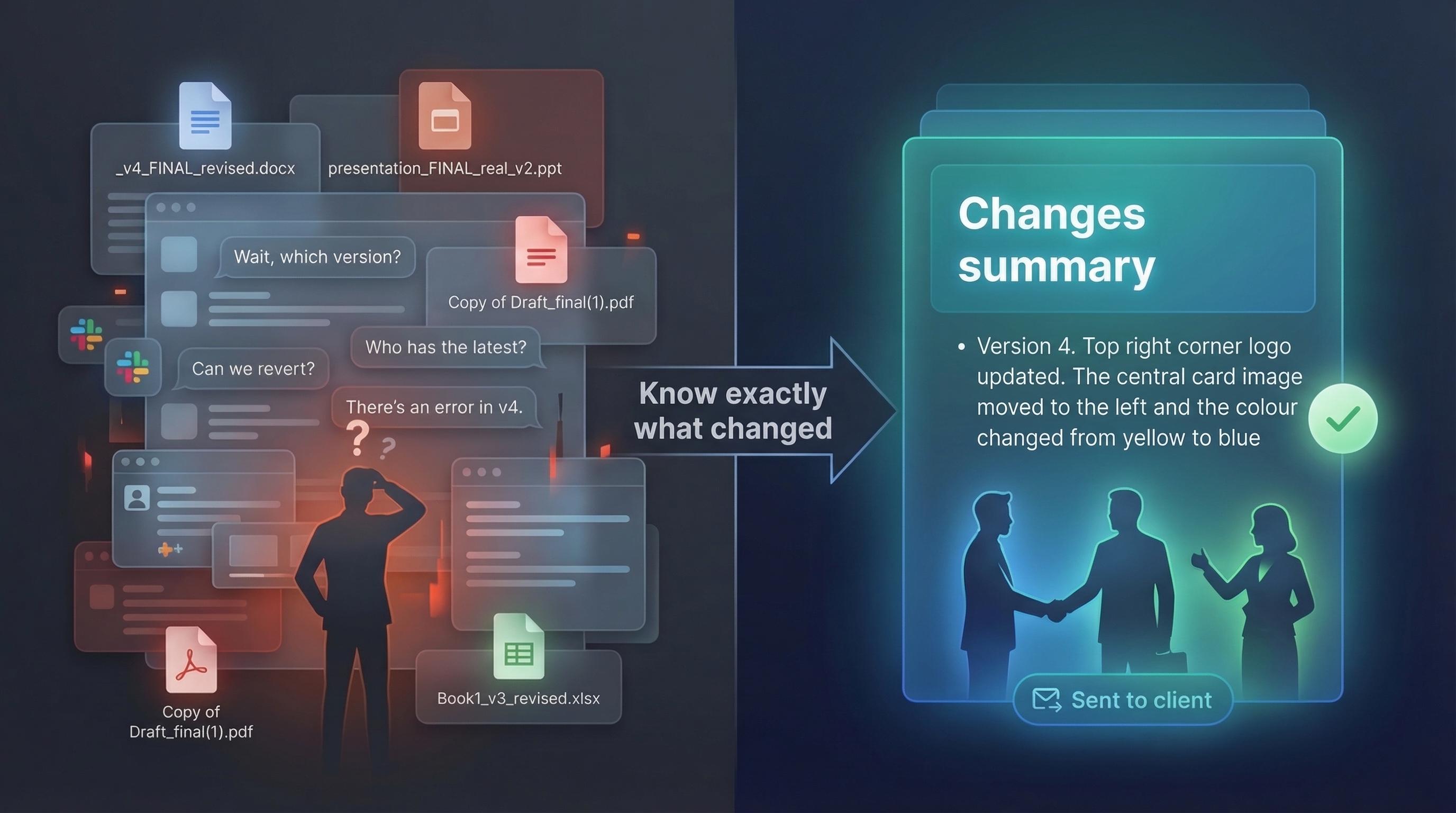
3) Version chaos becomes unavoidable
This is where things get truly messy.
Files multiply fast:
- Homepage-design-final.psd
- Homepage-design-final-v2.psd
- Homepage-design-final-v3-final.psd
- Homepage-design-final-v4-approved.psd
Clients review outdated versions. Feedback gets applied to the wrong file. Teams lose clarity on what’s current.
The Better Approach: One Secure Magic Link Per Project
The simplest and most reliable way to share files with clients without login is to use a magic link.
A magic link is a secure link that gives clients instant access to files, no account, no login, no friction. Instead of managing access through accounts, you manage access through the link itself.
The link becomes the permanent delivery location for the project.
You don’t send files anymore. You send the link. And everything lives there.
The Core Principle: One Link Per Project
This is the key idea that eliminates chaos.
Each project should have exactly one link. Not one link per version. Not one link per file. One link.
When you update files, you upload new versions to the same link. Clients always access the same link, and they always see the latest version. This removes confusion completely.
No resending. No duplicate links. No version mix-ups.
Just one source of truth.
How to Share Files with Clients Without Login Using ZapFolder (Step-by-Step Guide)
ZapFolder was built specifically to make file delivery simple, secure, and frictionless. You can create a secure magic link in about 30 seconds.
Here’s exactly how it works.
Step 1: Upload your file
Go to the secure file sharing page:
https://zapfolder.com/share-now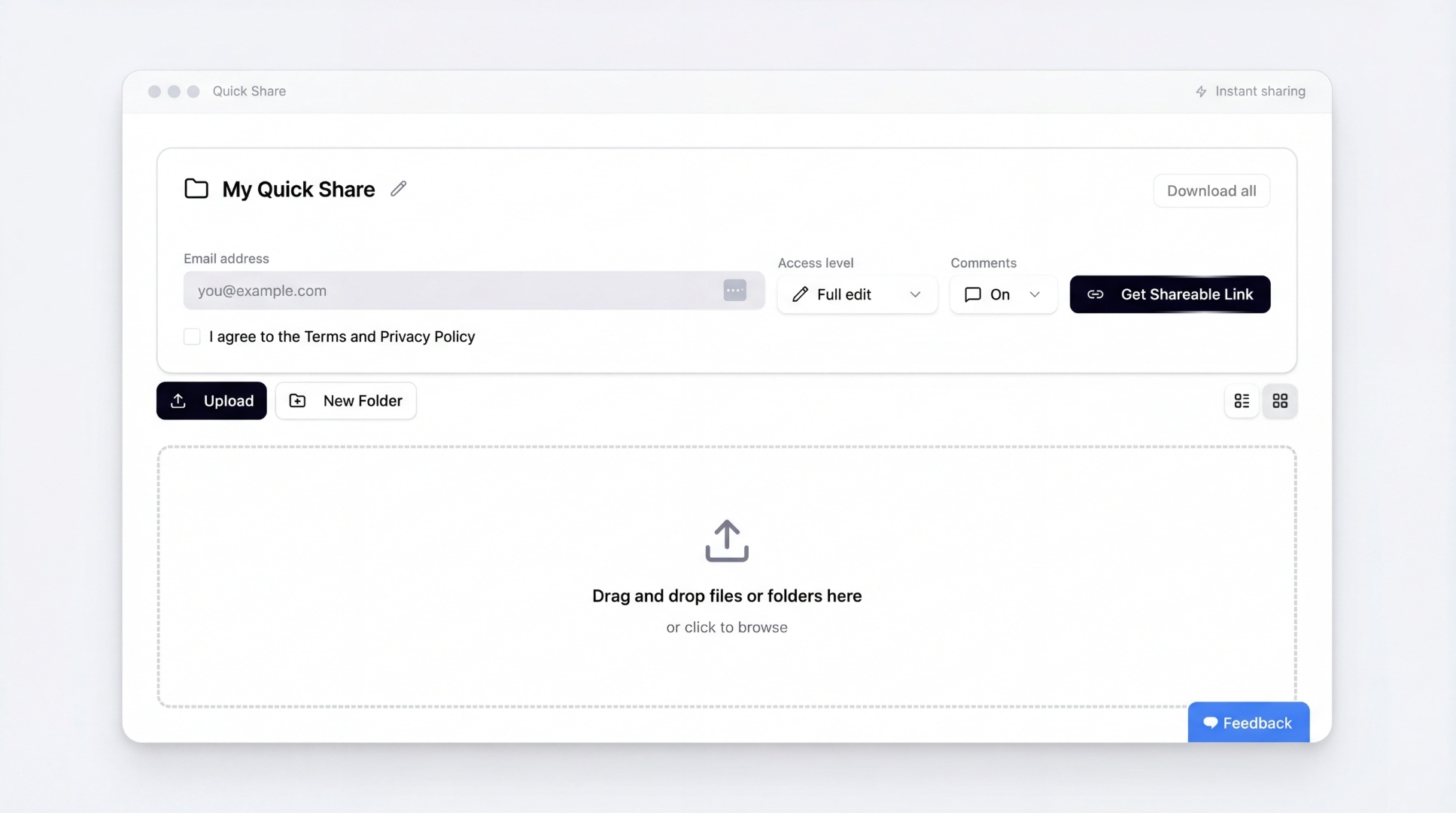
Drag and drop your file directly into the upload area or pick it from your computer.
You can upload:
- Design files
- Videos
- Images
- Documents
- Brand assets
No account required to start. The only limitation is the file needs to be under 500 MB.
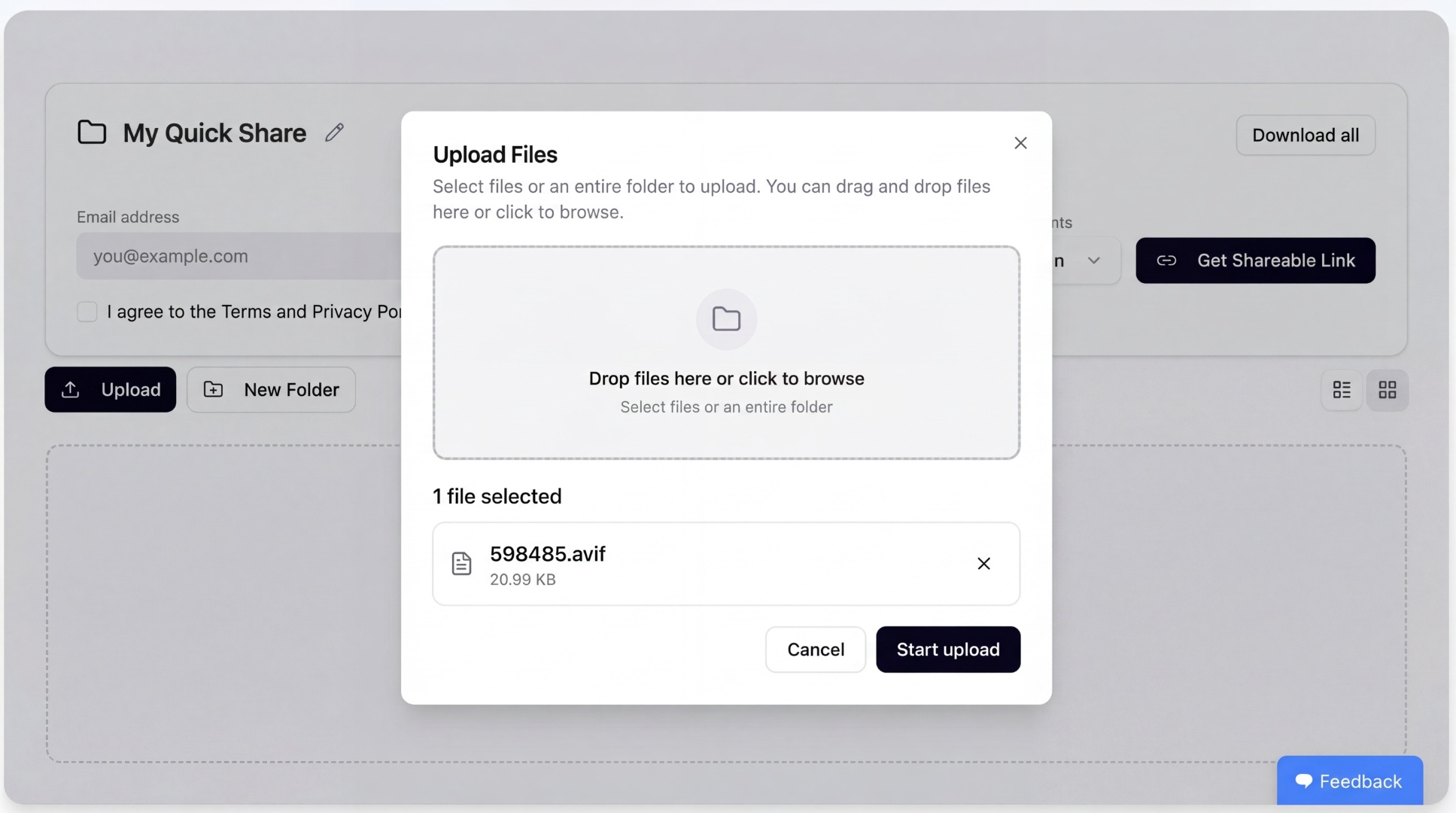
Step 2: Start the upload
Click Start upload.
ZapFolder securely uploads your file and prepares it for sharing.
Step 3: Enter your email and accept Terms
Enter your email address and accept the Terms and Privacy Policy.
This allows ZapFolder to send you the secure link and lets you manage it later if needed. You don’t need to create an account at this stage.
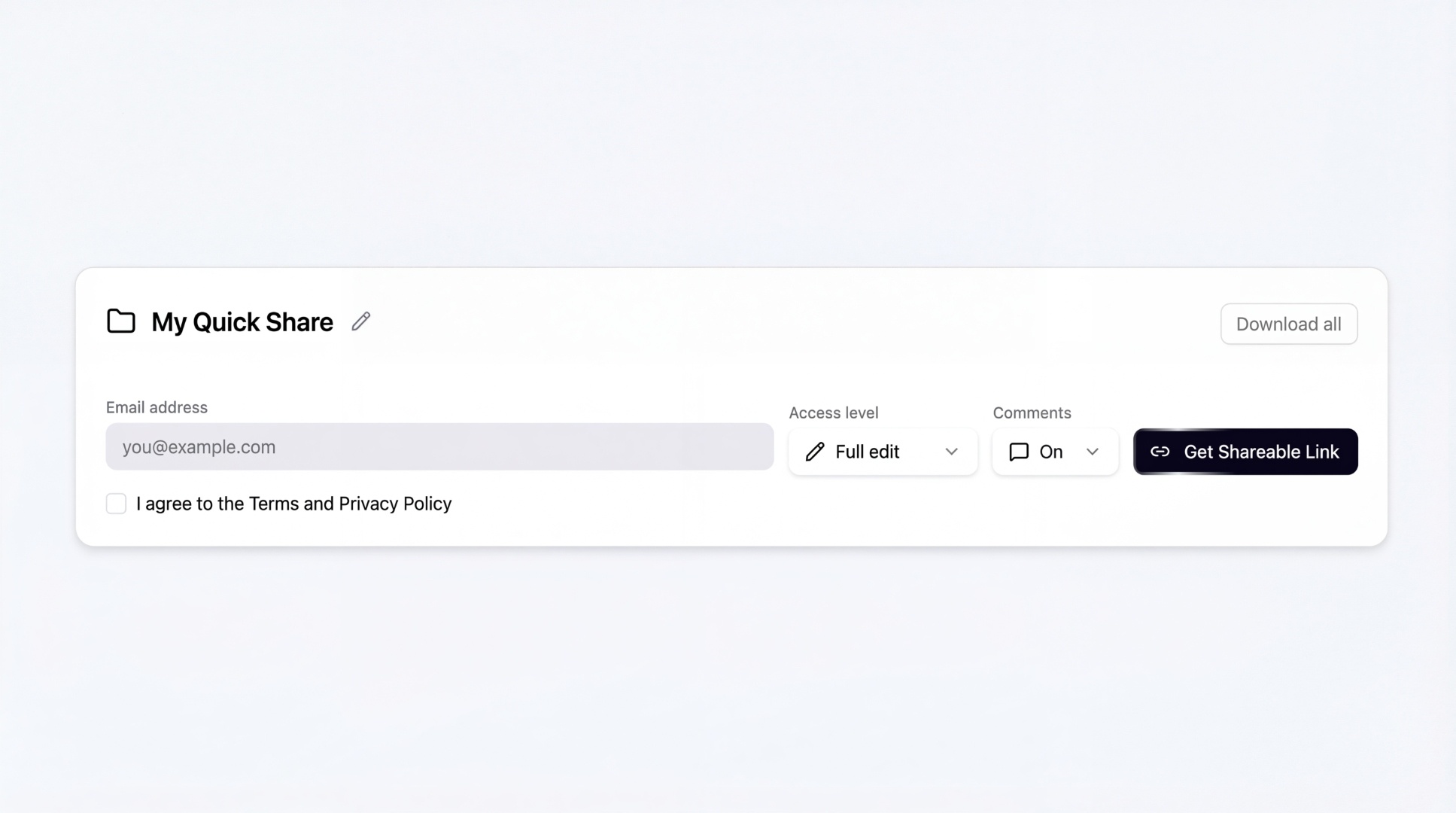
Step 4: Generate your shareable link
Click Get Shareable Link.
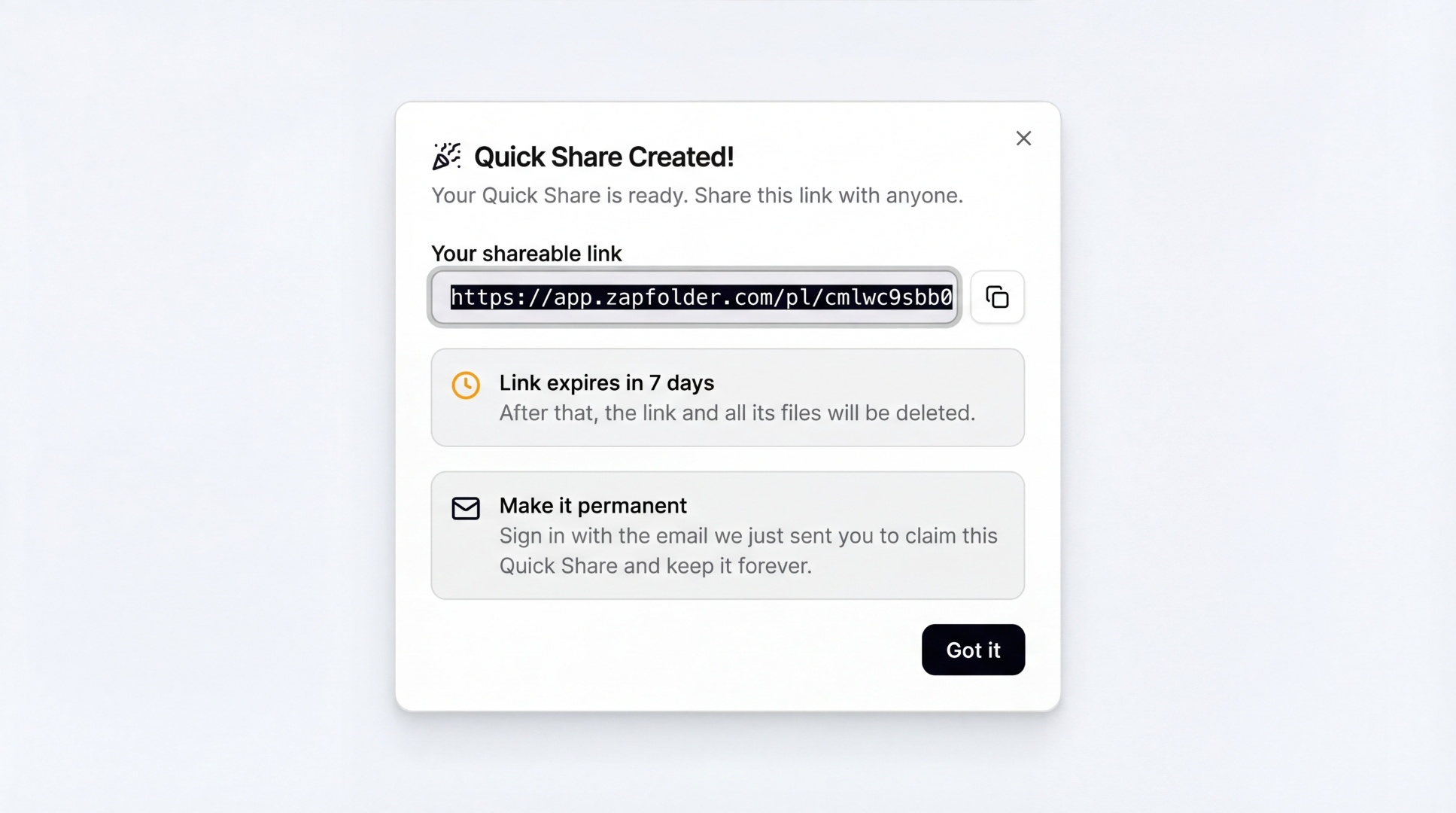
ZapFolder instantly creates your magic link. This link is automatically sent to the chosen email.
You can also copy it and share it anywhere:
- Slack
- Notion
- ClickUp
- Asana
Your client clicks the link and immediately sees the file.
No account required. No friction.
Step 5: Pro tip: Upgrade to permanent project links (recommended)
By default, shared links expire after 7 days.
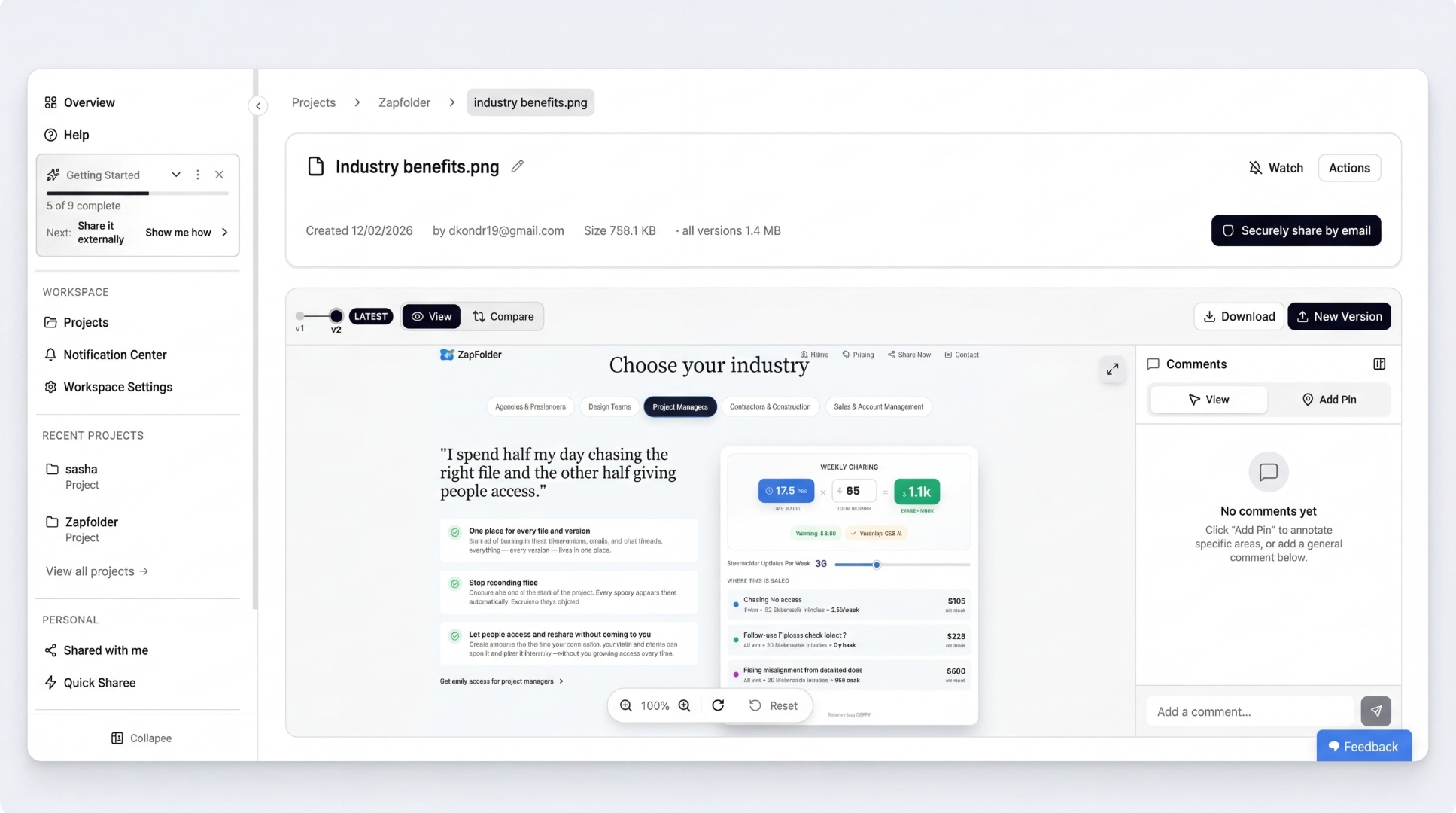
To create permanent project links with version control, click Start Sharing for Free and claim your free ZapFolder account.
This unlocks:
- Permanent magic links
- Version history
- Version comparison
- Large file sharing
- Full project control
Now your link becomes a permanent project delivery hub.
Why Creative and Marketing Agencies Love Account-Free File Sharing
This simple change removes a surprising amount of operational friction. Here’s what improves immediately.
1) Faster client approvals
Clients access files instantly without needing accounts or permissions. This speeds up review cycles.
2) Fewer interruptions for your team
Your team stops handling access requests, resending links, and explaining permissions. They focus on actual work.
3) Cleaner, simpler project management
Instead of managing dozens of files and links, you manage one link. Everything stays organised.
4) Better client experience
Clients don’t want to create accounts just to view files. Magic links respect their time and make your agency look more professional.
ZapFolder is used by creative agencies, marketers, and production teams to simplify file delivery and reduce version chaos. The goal is to make client file sharing as simple as sending a link.
Anti-Chaos Rules We Recommend Every Agency Follow
These rules prevent nearly all delivery issues.
Rule 1: One project = one link
Never create multiple delivery links for the same project.
Rule 2: Update the link, not the file location
Upload new versions to the same link. Keep the delivery location constant.
Rule 3: Use the link as the single source of truth
Clients should always access files through the same link. Not attachments. Not scattered uploads.
Rule 4: Remove login friction whenever possible
Every login requirement slows access. Magic links remove that friction entirely.
Try It Yourself in Under 30 Seconds
You can create your first login-free file delivery link right now.
Go to: https://zapfolder.com/share-now
- Upload your file
- Generate your link
- Share it with your client
No account required.
If you want permanent links, version control, and full project delivery features, you can create your free ZapFolder account in seconds.
One link per project. Always the latest version on top. No accounts. No chaos.
FAQ: Share Files with Clients Without Login
How can I share files with clients without requiring login?
Use a magic link file sharing system like ZapFolder. Upload your file, generate a secure link, and send it to your client. They can access the file instantly without creating an account or logging in.
Is sharing files without login secure?
Yes. Magic links are secure because access is controlled through the link itself. Only people with the link can access the files, and permissions can be managed by the sender.
Why do clients have trouble accessing Google Drive or Dropbox files?
These platforms often require clients to log in, use specific email addresses, or request permissions. This creates friction and delays, especially when clients are using different accounts.
What is the best way for agencies to deliver files to clients?
The most reliable method is using one permanent magic link per project. This ensures clients always access the latest version without needing new links or accounts.